From paper to project
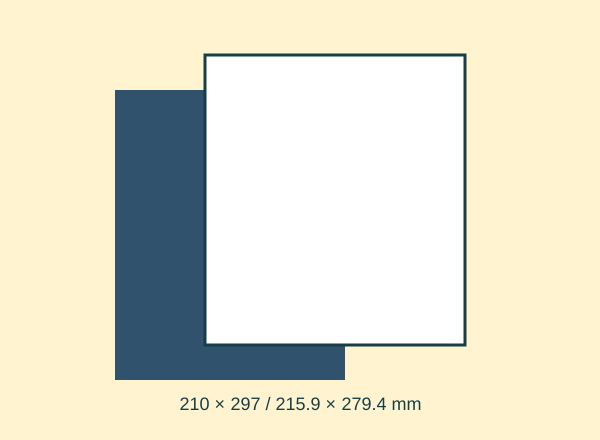
Select the paper size you loaded: A4 or Letter, which are not interchangeable.
Choose “Actual size” or 100 %, not “Fit”.
Turn off multiple-pages-per-sheet settings for dimensional templates.
Print one test page.
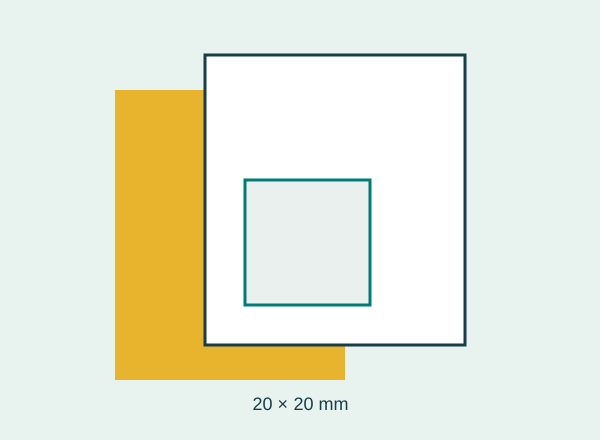
Measure the square horizontally and vertically: both sides should be 20 mm.
If they do not match, check the print dialog and retest before the batch.
Check it with an example
A 19 mm square means the print was reduced to 95 %. A 45 mm box becomes 42.75 mm wide, enough to stop some objects fitting.
If it does not turn out as expected
Borderless printing can enlarge the image automatically. Use margins for templates and avoid that mode; do not correct the scale by trimming by eye.