From paper to project
Measure a sheet if the package does not identify its size.
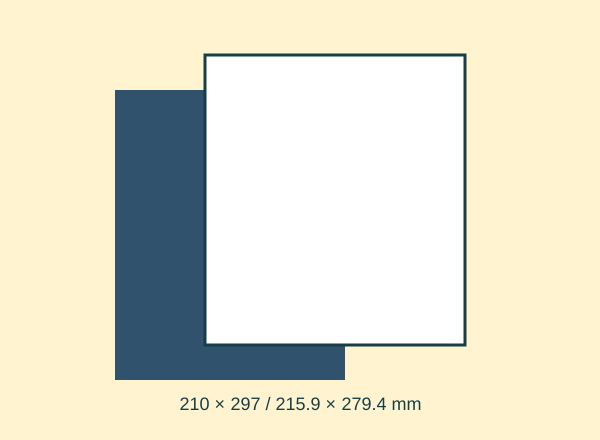
Download A4 for 210 × 297 mm or Letter for 215.9 × 279.4 mm.
Choose the same paper size in the print dialog.
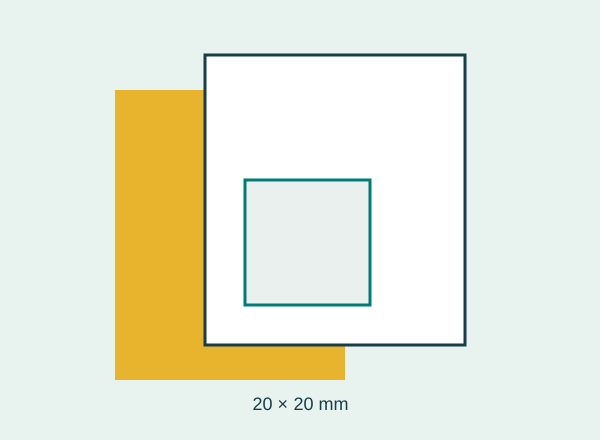
Print at 100 % and check the 20 mm square.
Check that edges and glue tabs are not clipped.
Keep the format in the filename to avoid mixing them next time.
Check it with an example
An envelope layout 290 mm high cannot fit a 279.4 mm Letter page. Shrinking it also reduces its pocket; that is not a neutral conversion.
If it does not turn out as expected
Use a rearranged version or larger paper if you only have the other size. Renaming a file does not change its dimensions.