From paper to project
Write your message and count every character, including repeats. The PDF contains A–Z, Ñ, digits 0–9 and a blank flag, with an index on its first page.
Find the pages in the index. Each character has a page after the index; select the pages you need and repeat letters that occur twice.
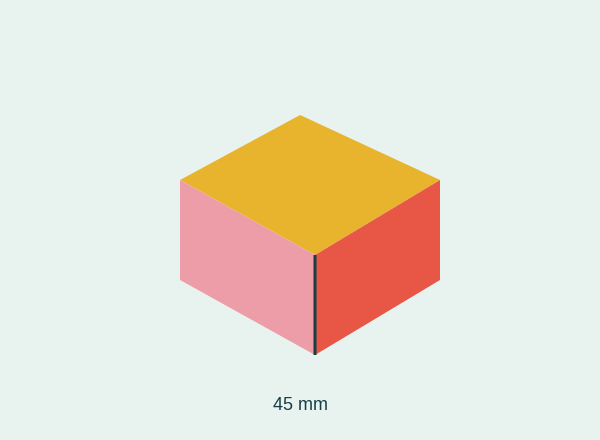
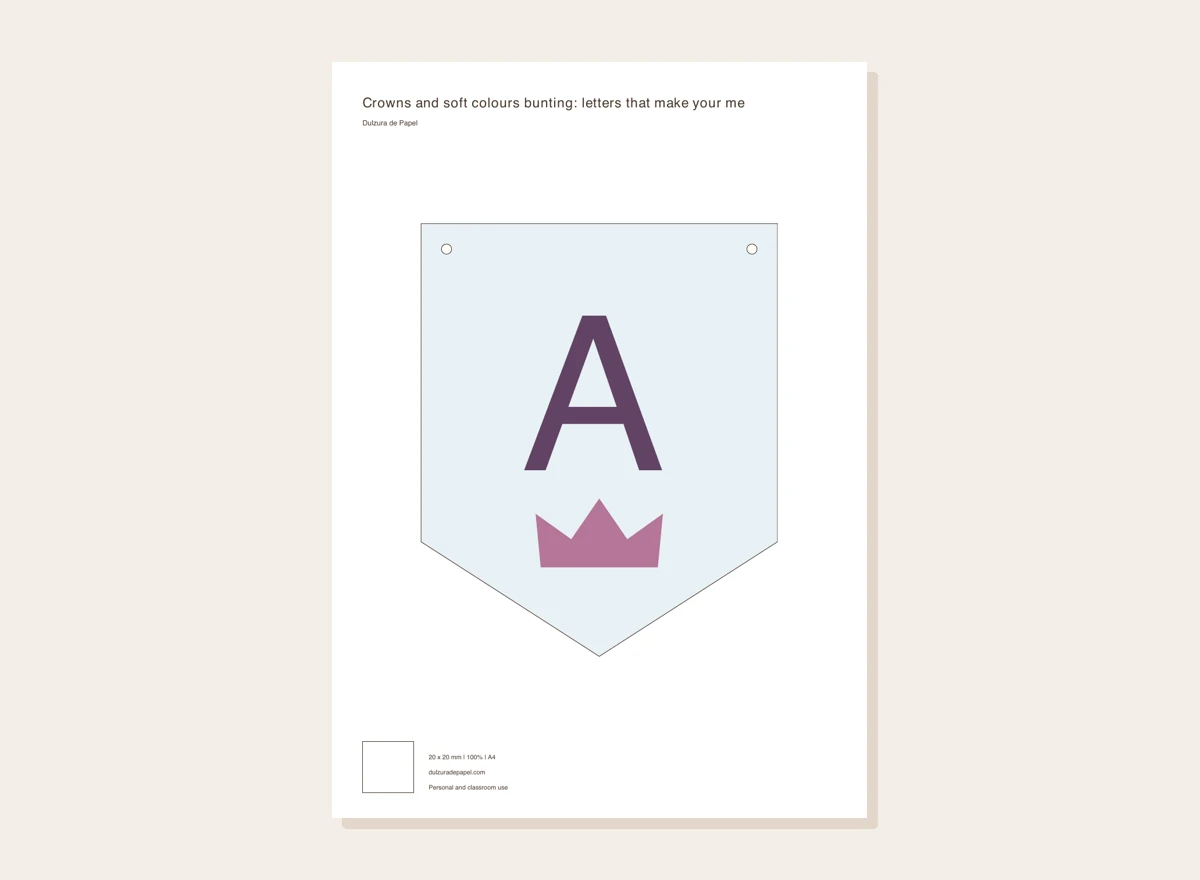
Print at 100 % and measure the 20 mm calibration square on a test page. Each flag is 140 × 170 mm with two hole marks near its top.
Cut the outline, punch the marks and arrange the letters on the table. The hole marks are not cutting lines.
Thread string through both holes with letters facing forward. Leave gaps and extra string at both ends; test the arrangement at a low height.
Keep the garland away from walkways, flames, heat and young children. Remove it if the string loosens or a flag tears.
Check it with an example
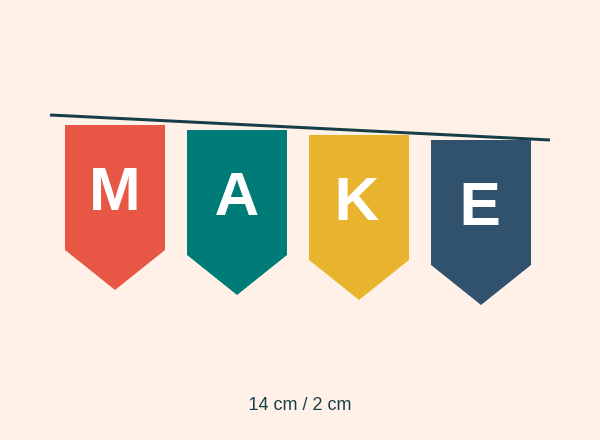
“ANA 5” uses A twice, N once, a space and the digit 5. A blank flag can separate words. Five 14 cm flags with four 2 cm gaps occupy roughly 78 cm in a straight row, before fixing allowances.
If it does not turn out as expected
For accents not included, add them to the letter before cutting or use the site’s bunting maker. This is a new collection, not a recovered copy of the missing original PDF. Do not use fit-to-page when you need the 14 cm width.
Your template, ready to print
Original design. Match your printer’s paper size and keep the scale at 100 %.
Cut the outline and punch the two circular marks; print only the pages your message needs. Calibration square: 20 × 20 mm. Personal and classroom use; do not resell the file.
Where this idea comes from
Dulzura de Papel · Banderines con Letras “Princesa” Imprimible Free.
Share a print run between two messages without losing letters
When two garlands use the same PDF, keep the print list separate from assembly order. A letter shared by two names needs two physical flags even when it comes from one PDF page.
- Write each message on its own row. Decide whether a space is a gap or a blank flag; keep that decision when counting.
- Count characters per message, then total the quantities by letter. Use the chosen file’s index, not an index from another collection.
- Print each page with its required quantity, one page per sheet at 100%. Choose A4 for A4 paper or Letter for Letter paper. The index is not a flag.
- Before cutting, allocate the sheets into two groups and check both message rows. A correct overall count does not guarantee correct allocation.
Worked batch: ANA and LUNA
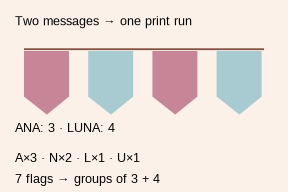
These are practice messages, not personal records. ANA needs A×2 and N×1; LUNA needs L×1, U×1, N×1 and A×1. The combined run needs A×3, N×2, L×1, U×1: seven flags. In the Crown PDF index, A is on page 2, L on 13, N on 15 and U on 22. Print those pages with 3, 1, 2 and 1 copies respectively. Print order is not letter order.
Allocation check: first group A–N–A, three flags; second group L–U–N–A, four; leftovers, zero. Two printed A flags leave one missing even if you printed all four distinct pages. Sharing one physical flag between two simultaneous garlands leaves one incomplete.
The A4 and Letter files each contain 39 pages including the index. The flag remains 140 × 170 mm with a 20 mm control square; check your own print before cutting. File and quantity checks are not a physical printer test. Reusable record: message, characters, file page, copies, destination group and leftovers.